 Nullgen AI Blocker
BlogParents
How to stop your kid from cheating on homework with AI: a practical guide for parents
More than half of U.S. teens now use AI chatbots for schoolwork, and one in ten let them do most of it. Here is how to tell help from cheating, what to say, and how to close the shortcut on the homework computer without reading over your child’s shoulder.
The Nullgen team
13 min read
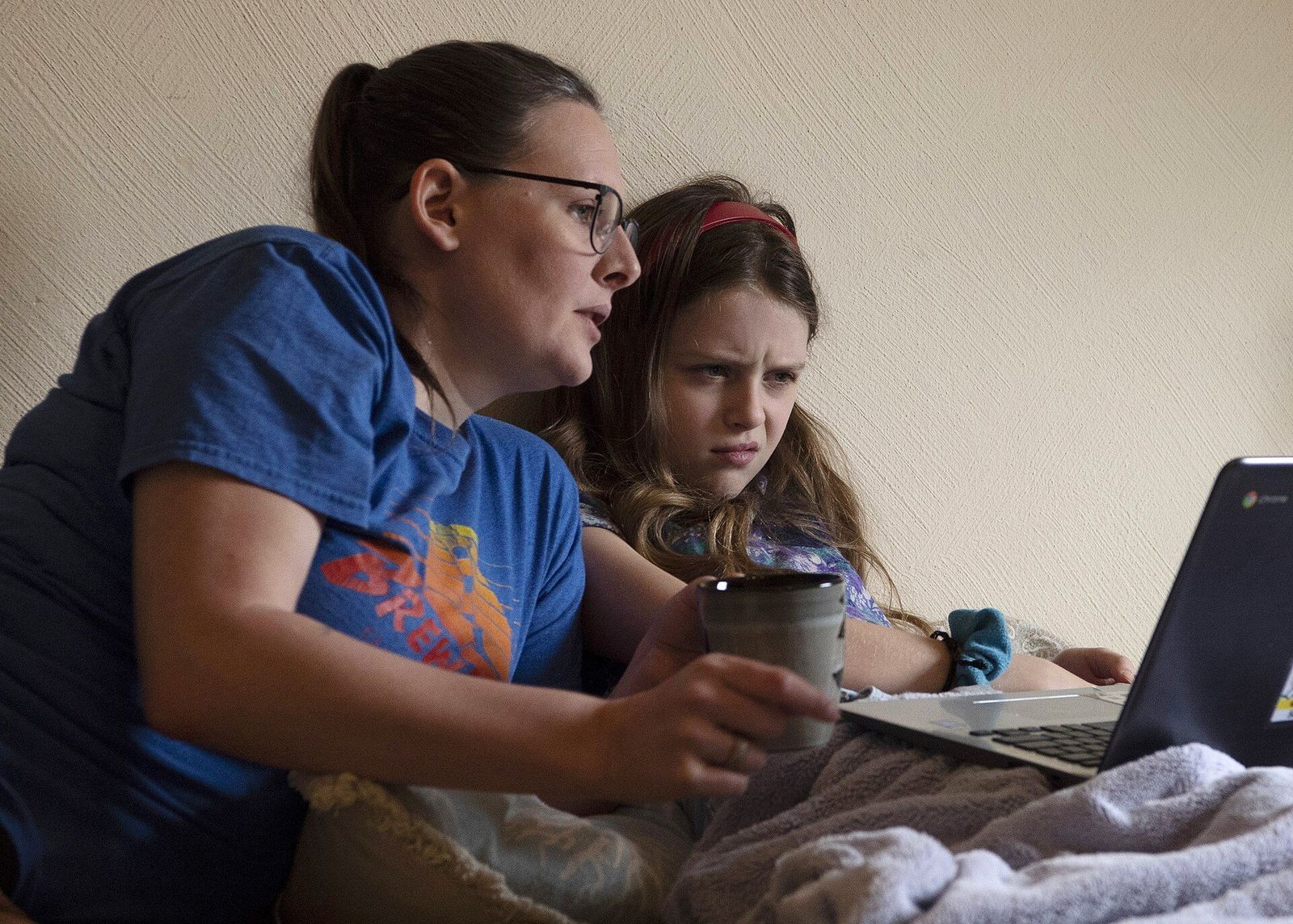
It usually starts with a grade that does not add up. The essay is better than anything your kid has written before, or the math homework is finished in twelve minutes, or a teacher emails to say the class is “having a conversation about AI.” You ask, and you get a shrug: everybody uses it.
They are not wrong about that. This guide is for parents who want homework to stay their child’s own without turning the kitchen table into an interrogation room. It covers what has changed, how to tell help from cheating, what to say, five house rules that actually hold, and how to close the shortcut on the computer your kid does homework on — without reading a word they type.
What changed — and why it is not just your kid
Homework help used to mean a parent, a tutor, or a friend on the phone. Now it is a text box that answers anything in seconds, never gets tired, and never says “figure it out yourself.” Pew Research Center reported in early 2026 that 54 percent of U.S. teens have used AI chatbots for help with schoolwork, about three in ten use a chatbot every day, and one in ten say they do all or most of their schoolwork with one.
54%
of U.S. teens have used an AI chatbot for help with schoolwork.
Pew Research Center, February 2026
1 in 10
teens say they do all or most of their schoolwork with a chatbot’s help.
Pew Research Center, February 2026
37%
of parents whose teen had used generative AI knew their child had used it.
Common Sense Media, September 2024
The gap between what kids do and what parents know is the part that deserves your attention. Pew found that 64 percent of teens say they use chatbots, while only 51 percent of parents say their teen does, and about three in ten parents are not sure either way. Common Sense Media’s survey found the same blind spot: among teens who had used generative AI, only 37 percent of their parents knew. And roughly four in ten parents in the Pew survey had never talked with their teen about chatbots at all.
It also helps to know where kids themselves draw the line. When Pew asked teens what counts as acceptable, 54 percent said using ChatGPT to research a new topic is fine, 29 percent said the same about solving math problems, and only 18 percent said it is acceptable for writing essays. Most kids know where the line is. The problem is that the tool sits on the other side of it, one tab away, at nine o’clock the night before something is due.
Help or cheating? A test you can both agree on
Not every use of AI is cheating, and pretending otherwise will lose you the argument in about thirty seconds. Explaining a concept a different way, quizzing your kid before a test, or checking whether a sentence is grammatical is the kind of help a good tutor gives. Writing the paragraph, solving the problem set, or producing the answer the teacher will grade is not.
That distinction is not only about honesty. It is about whether any learning happened. A study of nearly a thousand high school math students, run by researchers at the University of Pennsylvania and published in PNAS, gave one group access to a ChatGPT-style assistant while they practiced. Their practice scores jumped 48 percent. Then the assistant was taken away for the exam, and the same students scored 17 percent worse than classmates who had never used it. A version of the tool built to give hints instead of answers erased the harm, though it did not help either. Most telling of all: the students who copied answers did not notice they had learned less.
What your kid types
- Using AI to learn
- “Explain why this proof works.” “Quiz me on chapter 6.” “Is this sentence grammatical?”
- Using AI to skip the learning
- “Write a five-paragraph essay on…” “Solve problems 1 through 20.” “Rewrite this so it sounds like me.”
What comes back
- Using AI to learn
- An explanation they still have to apply themselves.
- Using AI to skip the learning
- The finished thing the teacher is going to grade.
What they can do afterward
- Using AI to learn
- Explain it, redo it, and defend it out loud.
- Using AI to skip the learning
- Turn it in and hope nobody asks.
What it does to learning
- Using AI to learn
- Practice with feedback — the thing that actually builds skill.
- Using AI to skip the learning
- Better homework scores, worse test scores, and no idea why.
What the teacher would say
- Using AI to learn
- Usually fine, and often encouraged.
- Using AI to skip the learning
- Cheating, in almost every syllabus.
| Dimension | Using AI to learn | Using AI to skip the learning |
|---|---|---|
| What your kid types | “Explain why this proof works.” “Quiz me on chapter 6.” “Is this sentence grammatical?” | “Write a five-paragraph essay on…” “Solve problems 1 through 20.” “Rewrite this so it sounds like me.” |
| What comes back | An explanation they still have to apply themselves. | The finished thing the teacher is going to grade. |
| What they can do afterward | Explain it, redo it, and defend it out loud. | Turn it in and hope nobody asks. |
| What it does to learning | Practice with feedback — the thing that actually builds skill. | Better homework scores, worse test scores, and no idea why. |
| What the teacher would say | Usually fine, and often encouraged. | Cheating, in almost every syllabus. |
Signs the homework is not theirs
You do not need an AI detector, and you should not trust one. Detectors miss most AI-written text and wrongly flag honest writers — especially kids still learning English — and our guide for teachers covers why in detail. The signals a parent can actually see are more ordinary, and more reliable.
It got better overnight
A kid who wrote in short, plain sentences last month is suddenly producing tidy paragraphs full of words nobody in the house uses. Growth is gradual. Ghostwriting is not.
It was done suspiciously fast
An essay that should take an evening is finished before dinner, with no drafts, no notes, and no visible struggle along the way.
They cannot talk about it
Ask a genuine question about the work — why this argument, how this step follows — and listen. Kids who did the work can talk about it, sometimes at length.
Homework grades up, test grades down
This is exactly the pattern the PNAS study predicts. If the homework average climbs while quizzes and in-class work slide, the homework is doing less teaching than it should.

Have the conversation before the confrontation
The worst version of this is the ambush: a printed essay, a raised voice, and a kid who shuts down. The best version happens before anything has gone wrong, and it is shorter than you think.
Start with why, not with rules. Kids accept limits they understand. The study above is worth sharing in plain terms: AI that does the work for you makes you worse at the test, and you will not feel it happening.
Ask what the teacher actually allows. Most schools have not told parents anything — Common Sense Media found 83 percent of parents had heard nothing from their child’s school about AI. Have your kid pull up each syllabus, or email the teacher yourself, and write the answer down class by class.
Agree on what counts as help. Use the one-line test and make the examples concrete: explaining is fine, producing is not, and anything they would not show the teacher does not get pasted into the homework.
Assume good intent, and say so. Nearly half of the teens who used AI for schoolwork did it without a teacher’s permission, and most do not think of the gray areas as cheating. Treat the first conversation as setting expectations, not catching a criminal.
Then make the rules easy to follow. That is what the next section is for, because a rule that depends entirely on a fifteen-year-old’s willpower at nine o’clock at night is not much of a rule.
Five house rules that actually hold
These work best together. Each one closes a gap the others leave open, and none of them requires reading your kid’s messages.
- 1
Homework happens on the family computer, in a shared space
Not on a phone in a bedroom with the door shut. A laptop at the kitchen table or a desktop in the living room is not surveillance; it is the same reason kids study at the library. Proximity does most of the work by itself.
- 2
AI is for understanding, never for producing
Say it exactly that way, and keep the examples handy: “explain,” “quiz me,” and “check my grammar” are fine; “write,” “solve,” and “rewrite this so it sounds like me” are not. If a teacher has said AI is allowed for an assignment, that assignment is the exception — and your kid tells you before, not after.
- 3
Show the work, not just the answer
Ask to see the outline before the essay and the scratch paper before the problem set. Teachers are moving toward grading the process for exactly this reason. You can do the same at home in five minutes a week.
- 4
Phones live in the kitchen during homework
The homework computer can be protected, and now the phone can be too: the Nullgen app for iPhone, iPad, and Android blocks AI apps and sites on the device. A charging spot in a shared room during homework hours still removes the easiest workaround without a fight about the phone itself.
- 5
Close the shortcut on the homework computer
Willpower is a poor control for a teenager at nine o’clock at night. Block the AI prompt box itself on the computer they use for school, so the shortcut simply is not there — while search, the school portal, and every other site keep working. That is what Nullgen does, and it is free for a single computer.
Where Nullgen fits
Nullgen is a browser extension for the computer your child does homework on. It recognizes AI prompt boxes on any website — ChatGPT, Gemini, Claude, Copilot, and the new ones that launch every week — and stops typing and pasting into them. The rest of the page keeps working, so research, Google Classroom, the library catalog, and video lessons are exactly as they were. Only the prompt is blocked.
It is not surveillance. Detection runs on the computer, and nothing your child types is recorded or sent anywhere — not to Nullgen, and not to you. You are not reading their messages or watching their screen. You are removing one shortcut, the same way you would not leave the answer key on the table.
The free extension is enough for one computer, and installing it takes about a minute. The Family plan is for the rest of the house.
A parent dashboard to enroll every family computer — the laptop, the desktop, the shared machine — and manage them in one place.
Access requests: your child asks, you approve or deny, for a set time or permanently. When a teacher allows AI for an assignment, the answer is a tap, not an argument.
Enforcement that pins Nullgen so it cannot be turned off or uninstalled, and can switch off Incognito, Guest mode, and the AI built into the browser itself — the side doors kids find first.
One flat rate for the whole household, with a free trial to start.

What changes in practice is small and immediate. The homework computer stops offering an easy way out, your kid stops having to decide not to take it, and the conversation you had in the last section stops depending on memory.
What about their phone?
This used to be the honest gap: Nullgen ran in desktop browsers, and no browser extension can reach inside a phone app. That changed with the Nullgen app for iPhone and iPad. It blocks known AI apps and websites on the device itself, so ChatGPT does not load in Safari or as an app, and it links to the same family dashboard as the extension.
The house rules still carry weight. AI built into apps the phone needs for other things, such as Gemini inside Google Search or Meta AI inside Instagram, is not blocked, so keep the phone in the kitchen during homework hours, use the parental controls you already have (Apple’s Screen Time and Google’s Family Link can limit or block individual apps), and save your energy for the conversation. No tool replaces that, and this one is not trying to.
Key takeaways
More than half of teens use AI for schoolwork and most parents underestimate it. Assume it is happening in your house, and be kind about it.
Help and cheating are different: AI that explains builds skill; AI that produces the graded work leaves kids worse off on the test, and they do not feel it happening.
Skip the detectors. Look for sudden polish, suspicious speed, and a kid who cannot talk about their own work.
Talk first, then set rules that do not rely on willpower: shared space, AI for understanding only, show the work, phones in the kitchen.
Block the prompt on the homework computer and the AI apps on their phone. It removes the shortcut without reading a word your child types: the free extension covers one computer today, and the Family plan adds the phone.
Frequently asked questions
Is using ChatGPT for homework always cheating?
No. Asking it to explain a concept, quiz you, or check grammar is the kind of help a tutor gives. Having it write the essay or solve the problem set is cheating in almost every classroom. The test is whether the AI did the part the teacher is going to grade.
Won’t blocking AI leave my kid behind on AI skills?
Blocking AI on homework is not blocking AI. The Family plan lets you approve access for a class or an evening when a teacher assigns it, and your kid can use AI everywhere else in life. Learning to write and reason first is what makes those AI skills worth anything later.
Can I see what my child types?
No, by design. Nothing typed is recorded or sent anywhere. You see that a site was blocked or that access was requested — not what was written. Kids are far more likely to accept a rule that is not also surveillance.
Does it work on the school-issued Chromebook?
If the school manages the device, the school controls what runs on it, so ask them — many are adopting the same control on their own fleets. Install Nullgen on the computers you own. If your child works on both, the family computer is usually still where most of the homework gets written.
What if a teacher allows AI for an assignment?
Your child requests access from the block, you approve it for an hour or an evening, and the block turns itself back on afterward. Blocking is the default; the exceptions are yours to give.
Can my kid just uninstall it?
The free extension can be removed by anyone who controls the browser profile, which is fine for trying it out. The Family plan’s enforcement pins it into Chrome, Edge, and Firefox so it cannot be turned off or uninstalled, and can disable Incognito and Guest modes so there is no side door. On the phone, there is nothing inside the app to turn protection off.
Sources
- Pew Research Center, “How Teens Use and View AI,” February 2026
- Pew Research Center, “About a quarter of U.S. teens have used ChatGPT for schoolwork – double the share in 2023,” January 2025
- Common Sense Media, “The Dawn of the AI Era: Teens, Parents, and the Adoption of Generative AI at Home and School,” September 2024
- Bastani, Bastani, Sungu, Ge, Kabakcı, and Mariman, “Generative AI without guardrails can harm learning: Evidence from high school mathematics,” PNAS, 2025
Start with the homework computer tonight
Install the free extension on the computer your child uses for school and the shortcut disappears. The Family plan adds the dashboard, approvals, and enforcement for every computer in the house, plus the app for their phone, and it is free to try.