 Nullgen AI Blocker
BlogEducators
How to prevent AI cheating: a practical guide for teachers and school IT
When a Brown professor moved his final exam back into the classroom, the class average fell from 96 percent to 49. Detection after the fact cannot fix that. Here is what does: assessment design, clear rules, and blocking the prompt on the devices your school already manages.
The Nullgen team
14 min read

Every teacher has a version of the same story now. The essays came back a little too polished. The problem sets were all solved the same slightly odd way. A take-home exam produced the best scores the course had ever seen, and nobody could explain a single answer out loud.
This guide is for the people who have to do something about it: classroom teachers, department heads, academic integrity staff, and the IT teams that manage school devices. It starts with a case that shows how big the problem has become, explains why AI detection keeps failing as a response, and lays out six practical ways to prevent AI cheating — including where a technical control on school-managed devices fits, and where it does not.
What happened at Brown
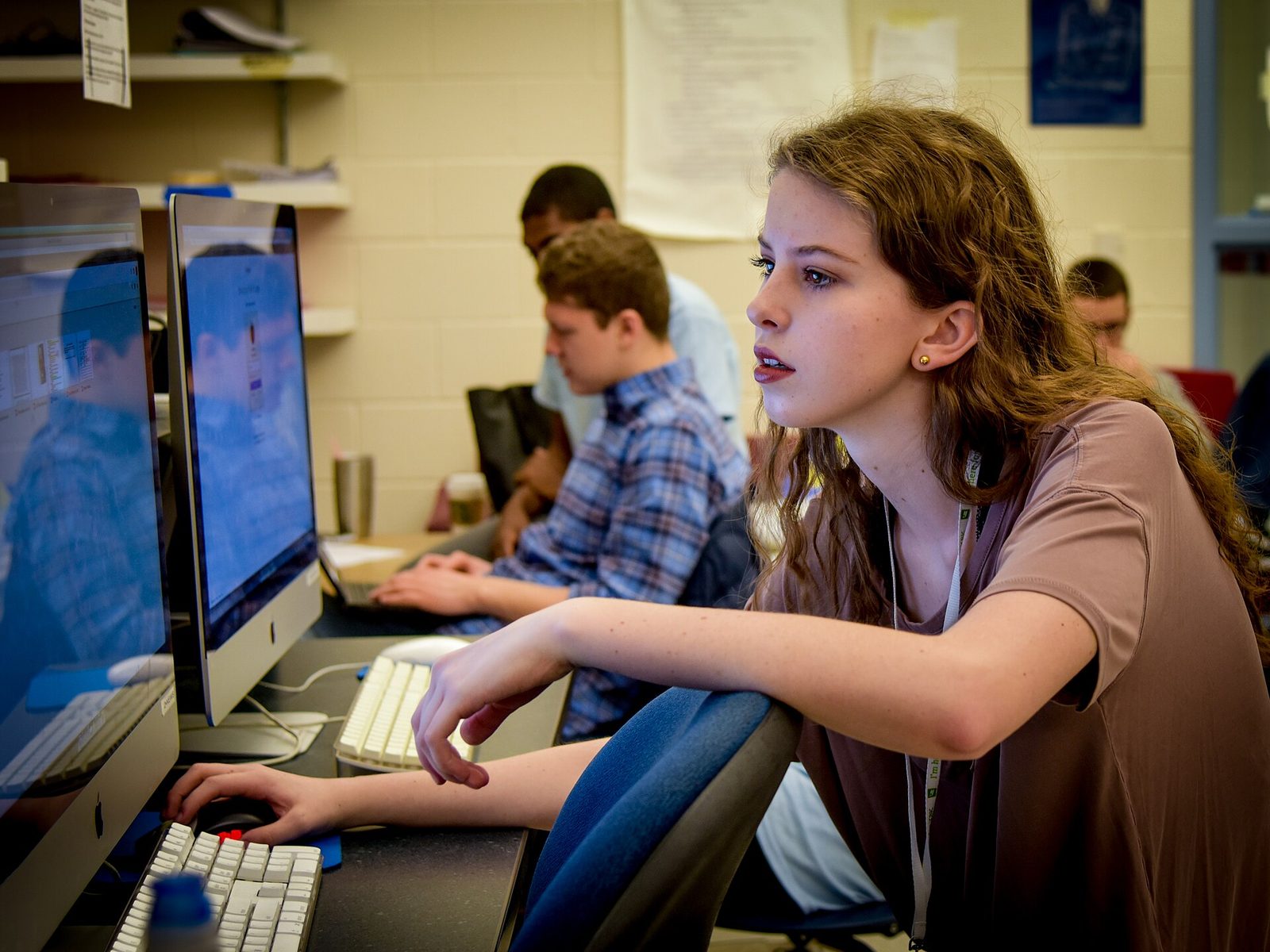
In spring 2026, Brown University economics professor Roberto Serrano did something he had never done in nearly two decades of teaching Welfare Economics and Social Choice Theory: he gave a take-home midterm. Students were anxious about sitting in a classroom after a shooting on campus the previous December, and it seemed like the humane choice. Enrollment, usually 30 at most, jumped to 86 — a rise he attributes to the promise of take-home exams, as Inside Higher Ed reported in July.
The midterm average came back at 96 percent. Historically it had landed between 65 and 80, and this exam was deliberately harder. Serrano and his graders ran the questions through ChatGPT and found answers that mirrored what students had submitted — technically right, oddly convoluted, and in one case built on a proof by contradiction where any human would have used a direct argument.
96%
Average score on the take-home midterm. The course’s historical range was 65 to 80 percent, on easier exams.
Inside Higher Ed, July 2026
48.6%
Average on the in-person final that followed — the lowest in the course’s history. It had never fallen below 65.
Inside Higher Ed, July 2026
18
Students who dropped the course once the final was moved into the classroom. Nine more stayed enrolled but never sat it.
Inside Higher Ed, July 2026
With his dean’s approval, Serrano moved the final exam back into the classroom and told the class he would count the midterm only if the two score distributions looked alike. They did not. Eighteen students dropped, nine more never sat the final, three scored zero, and the average landed at 48.6 percent. He voided the midterm, lowered the passing line to 40 percent, and still failed 19 students.
Then came the part that should worry every institution. Serrano sent his data to Brown’s academic code committee in May and heard nothing. After he went public, the committee asked him to file an individual complaint against each suspected student, exams attached — a process he expected would lean on an AI-detection tool he called “well-known to give many false positives and false negatives.” Brown’s position was that its procedure is the same whether one student is involved or sixty.
We cannot afford to have a society in which a significant fraction of our best young minds think that cheating is OK.
The details belong to one course, but the shape is familiar to anyone who teaches: a change in assessment format, a class-wide jump in scores, a suspicion that is nearly impossible to prove student by student, and an institutional process built for one case at a time. Three-quarters of the Brown faculty who answered a university committee’s survey said they are concerned about students using AI to cheat. A 2025 national survey of faculty found the same share.
Why detection after the fact keeps failing
The instinctive response to AI cheating is to detect it: run the essay through a classifier, read the percentage, act on the score. Three years of evidence say this is not a foundation you can build a policy on.
The tools miss most of it
OpenAI’s own classifier correctly identified just 26 percent of AI-written text at launch and labeled human writing as AI 9 percent of the time. The company withdrew it six months later, citing its low rate of accuracy, and has not shipped a replacement.
They flag the wrong students
A Stanford study ran essays by non-native English speakers through seven popular detectors. More than 61 percent were misclassified as AI-generated, and at least one detector flagged 97.8 percent of them. Essays by U.S. eighth graders were classified almost perfectly.
There is no 100 percent
Brown’s own committee on generative AI put it plainly: there is no way to check with complete accuracy whether AI has been used. A score is a probability, and a probability is not evidence a student can be asked to disprove.
The process does not scale
Adjudicating sixty cases is, in the words of UC San Diego’s academic integrity director, work nobody is rewarded or compensated for. Faculty paid from the first day of class to the last have no hours in which to do it — so many simply do not report.
The numbers behind those cards are not in dispute. OpenAI published its classifier’s accuracy figures when it launched the tool and again when it retired it, and the Stanford study was peer-reviewed in 2023. Detectors have improved at the margins since then, but the structural problem has not changed: they judge the text, and the text is exactly what the tool on the other side is designed to make indistinguishable.
When it acts
- Detect after the fact
- After the work is submitted and the learning moment has passed.
- Prevent before submission
- Before or during the work, while the student is still doing it.
What it produces
- Detect after the fact
- A probability score and an accusation someone has to prove.
- Prevent before submission
- Work you can trust because of the conditions it was produced under.
What it asks of staff
- Detect after the fact
- Hours of case-building per student, usually uncompensated.
- Prevent before submission
- Design time up front, then almost nothing per student.
Honest students
- Detect after the fact
- Carry the risk of a false flag — non-native writers most of all.
- Prevent before submission
- Nothing to defend. The conditions were the same for everyone.
The message to students
- Detect after the fact
- “We will catch you.”
- Prevent before submission
- “This is how learning works here.”
| Dimension | Detect after the fact | Prevent before submission |
|---|---|---|
| When it acts | After the work is submitted and the learning moment has passed. | Before or during the work, while the student is still doing it. |
| What it produces | A probability score and an accusation someone has to prove. | Work you can trust because of the conditions it was produced under. |
| What it asks of staff | Hours of case-building per student, usually uncompensated. | Design time up front, then almost nothing per student. |
| Honest students | Carry the risk of a false flag — non-native writers most of all. | Nothing to defend. The conditions were the same for everyone. |
| The message to students | “We will catch you.” | “This is how learning works here.” |
None of this means ignoring misconduct when the evidence is strong. Serrano’s pattern across dozens of exams is evidence, and a student who cannot explain their own proof is evidence. It means the primary control cannot be a score on a screen. It has to be the conditions under which the work gets done.
Where AI cheating actually happens
“Prevent AI cheating” is really three problems, because students do assessed work in three different settings, and each gives a school a different amount of control. The scale of the first has changed fastest: Pew Research Center found in early 2026 that 54 percent of U.S. teens have used AI chatbots for help with schoolwork, and one in ten say they do all or most of their schoolwork with them.
Unsupervised, on personal devices
Homework, essays drafted at the kitchen table, take-home exams. The school controls nothing about the device or the network. The only levers are how the assessment is designed and how clear the rules are — which is why the Brown midterm went the way it did.
Supervised, on school-managed devices
Computer labs, Chromebook carts, one-to-one devices in class, testing centers. The school controls the device, the browser, and the account. This is where a technical control can actually hold, and where most in-class work and a growing share of exams already happen.
Supervised, on paper or out loud
In-class writing, oral exams, whiteboard problem-solving, presentations. No device at all. The most robust setting there is, and the most expensive in class time, so it belongs where the stakes are highest.
Most schools pour their energy into the first setting, because that is where the visible problems are, and treat the second as solved: the devices are managed, the network is filtered. It is not solved. A web filter blocks chatgpt.com and leaves Gemini inside Google, Copilot inside Edge, and the dozens of smaller assistants that launched this year. Students find the gap long before IT does.
Six ways to prevent AI cheating
None of these is new on its own. Together they cover all three settings, and the order matters: rules first, so that everything after them has something to enforce.
- 1
Decide what AI may do, assignment by assignment
A blanket ban is unenforceable and a blanket permission is meaningless. Use a simple scale that fits on a slide — no AI, AI for brainstorming and feedback, AI permitted with disclosure — and print the level on every assignment. Brown’s committee pointed out how fuzzy “your own words” becomes once AI can fix grammar or brainstorm with you. A per-assignment rule answers that question before it is asked.
- 2
Assess the process, not just the product
Ask for outlines, drafts, and version history. Require sources students can be quizzed on. Grade the annotated bibliography and the reflection alongside the essay. A polished final draft that appears from nowhere is easy to generate; a visible path to it is not.
- 3
Move high-stakes work back onto supervised ground
Serrano’s in-person final did more than any detector could have. In-class writing, oral exams, and proctored testing centers all cost class time, so spend it where the grade matters most and let low-stakes practice stay open.
- 4
Block AI prompts on the devices you manage
In labs, on Chromebook carts, and on one-to-one devices, the school controls the browser — so use it. Blocking the prompt field itself, rather than a list of domains, stops the shortcut on every AI tool, including the ones nobody has heard of yet, while the rest of the web stays open for research and coursework.
- 5
Give students a legitimate path to AI
Some courses should use AI, and students should learn to use it well. Make that an explicit, approved route — a tool allowed for a specific class or period, a request a teacher can approve — so the rule is “ask,” not “sneak.” The goal is not zero AI. It is AI where the learning outcome allows it and none where it does not.
- 6
Make integrity someone’s job
Institutions show what they value by what they staff, as UC San Diego’s Tricia Bertram Gallant told Inside Higher Ed, borrowing a line from organizational theorist Edgar Schein. Give someone the hours to handle cases, let faculty file one complaint for a pattern rather than sixty individual ones, and let students accept responsibility without a hearing when they are ready to. A process that is impossible to use is a process nobody uses.
Where prompt blocking fits
Step four is where Nullgen comes in. Nullgen is a browser extension that recognizes AI prompt fields on any website and stops students from typing or pasting into them. It is not a domain blocklist. Detection is based on how the prompt box itself behaves, so it covers new assistants and the AI features built into sites you cannot block, while the rest of the page — search, the LMS, the library catalog, reference sites — keeps working.
Everything runs on the device. Nothing a student types is sent to Nullgen or to the school, so there is no surveillance to disclose and no student writing sitting on a server somewhere. The free extension installs on a single browser in about a minute, which makes it easy to pilot on one lab image or one classroom set before anyone signs a purchase order.
Nullgen Pro is the version for a fleet.
Zero-touch force-install through Google Workspace, Jamf, or Intune, so lab PCs and Chromebooks enroll automatically and students cannot remove it.
Policies that allow or deny specific AI sites for selected students and staff — on in the computer science elective, off in the writing lab.
Access requests routed to the teachers or administrators you choose, with temporary or permanent grants.
One dashboard for users, devices, requests, and policies, so IT and teaching staff see the same picture.
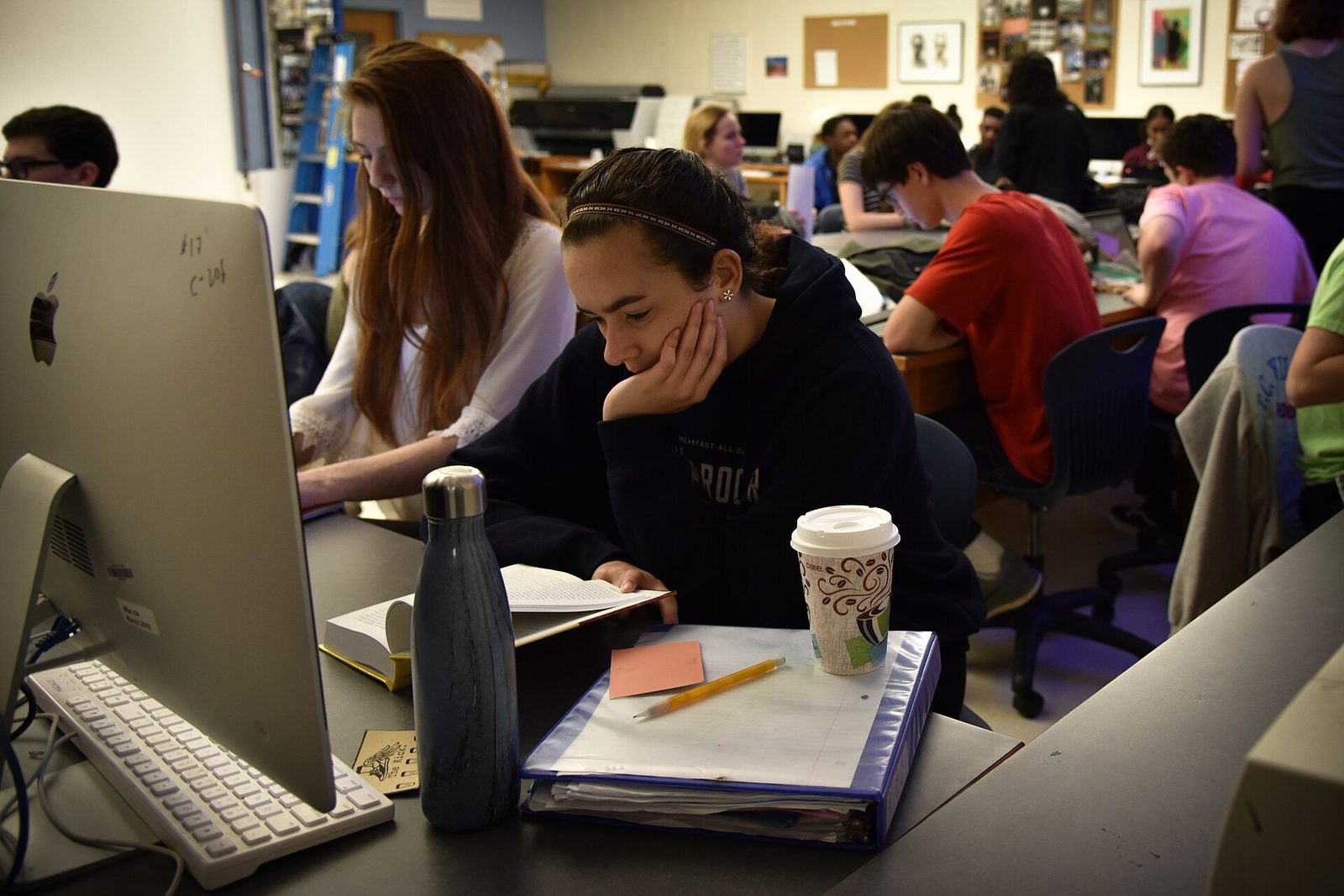
The practical effect is that the shortcut disappears on school equipment — quietly, without a detector, a confrontation, or a change to a single lesson plan. Teachers get back something many had quietly given up on: the ability to assign work on a device and trust what comes back.
When it still happens: a fair process
Prevention lowers the number of cases. It does not eliminate them, and how a school handles the ones that remain matters as much as the rules themselves. Four habits keep the process fair and fast.
Start with a conversation, not a score. Ask the student to walk you through the work. Someone who wrote an essay can talk about it; someone who generated it usually cannot. Serrano told his class exactly what he suspected and gave them a chance to prove him wrong.
Rely on process evidence. Drafts, version history, notes, and prior work say more than any detector percentage — and they are evidence a student can use in their own defense, which a probability score never is.
Handle patterns as patterns. When most of a class is involved, sixty individual hearings will not happen. Let faculty file one complaint for the pattern and offer students a plain way to accept responsibility without a meeting.
Keep consequences proportionate and predictable. Students should know the outcome before they make the choice. Brown’s committee argued for de-emphasizing punishment; whatever your policy says, it should be written down and applied the same way every time.
A fair process also protects teachers. The Brown case became a public argument because a professor with clear data had nowhere workable to take it. When the path is defined in advance, the conversation stays about the work — which is where it belongs.
Key takeaways
AI cheating scales with the format. One take-home exam pushed a class average from the 70s to 96, and back to 49 when the final was supervised.
Detectors are the wrong primary control. They miss most AI text, flag non-native writers, and turn every case into an accusation someone has to prove.
Sort assessments by setting. Personal devices need design and rules; school-managed devices can also carry a technical control.
Block the prompt, not the domain, on labs and Chromebooks — and give students an approved path when AI belongs in the lesson.
Make integrity a staffed, usable process so the cases that remain are handled fairly and quickly.
Frequently asked questions
Do AI detectors work well enough to use?
Not as a primary control. OpenAI withdrew its own detector for low accuracy, and peer-reviewed research shows heavy bias against non-native English writers. A detector score can prompt a conversation; it should not decide an outcome.
Why not just block ChatGPT on the school network?
A web filter catches the tools you already know about and misses the AI built into Google, Microsoft, and dozens of newer services — and it often breaks sites students legitimately need. Blocking the prompt field itself works on tools that did not exist when the blocklist was written and leaves the rest of the page usable.
Does prompt blocking work on Chromebooks?
Yes. Nullgen’s browser extension runs on Chromebooks. Pro force-installs through Google Workspace for Chromebooks and through Jamf or Intune for Mac and Windows labs, so devices enroll automatically without anyone touching them.
What about classes where students are supposed to use AI?
Pro policies allow specific AI sites for selected students and staff, and students can request temporary access that a teacher approves. The block is the default; the exceptions are deliberate, visible, and time-limited if you want them to be.
Does the school see what students type?
No. Detection runs in the browser, on the device, and prompt text is never sent to Nullgen or to school administrators. Approvers see which site was requested and for how long — not what a student wrote.
Can students turn it off?
On school-managed devices with Nullgen Pro, no: enforcement pins the extension so it cannot be disabled or removed. The free extension can be removed by whoever controls the browser profile, which is fine for a pilot but not for a fleet.
Sources
- Inside Higher Ed, “Brown Professor Suspects Majority of His Class Used AI to Cheat,” Emma Whitford, July 8, 2026
- Pew Research Center, “How Teens Use and View AI,” February 2026
- OpenAI, “New AI classifier for indicating AI-written text,” January 2023 (withdrawn July 2023)
- Liang, Yuksekgonul, Mao, Wu, and Zou, “GPT detectors are biased against non-native English writers,” Patterns, 2023
Pilot prompt blocking in one lab this week
Install the free extension on a lab image or a single classroom set and watch the shortcut disappear. When you are ready, Pro rolls the same control out to every Chromebook and lab PC through the tools you already use, with approvals in the hands of teachers.